Benable Lists
Jul 30, 2026
Create and Optimize Benable Lists for Off-Site Affiliate Traffic
Disclaimers: This page includes an affiliate link to Benable, I may earn a commission if you use the link at no cost to you. The how-to below my first paragraph was auto-generated from the video.
Quick Answer
This explains how to set up a Benable profile, build optimized lists, and publish product recommendations that can be discovered in Google search and generate affiliate sales. The goal is to create low-effort, searchable lists that are easy to maintain and can be built efficiently with strong descriptions, sections, and product links. I know for a lot of people being able to make Walmart links is the biggest benefit of this!
I decided to do something a bit different today and show you in detail how I use Benable. If this style works for you I started a very small and supportive private Facebook group of creators where I share videos like this often. Feel free to join: Storefront Launch
This explains how to set up a Benable profile, build optimized lists, and publish product recommendations that can be discovered in Google search and generate affiliate sales. The goal is to create low-effort, searchable lists that are easy to maintain and can be built efficiently with strong descriptions, sections, and product links.
I know for a lot of people being able to make Walmart links is the biggest benefit of this!
1. Set up your Benable profile 0:21
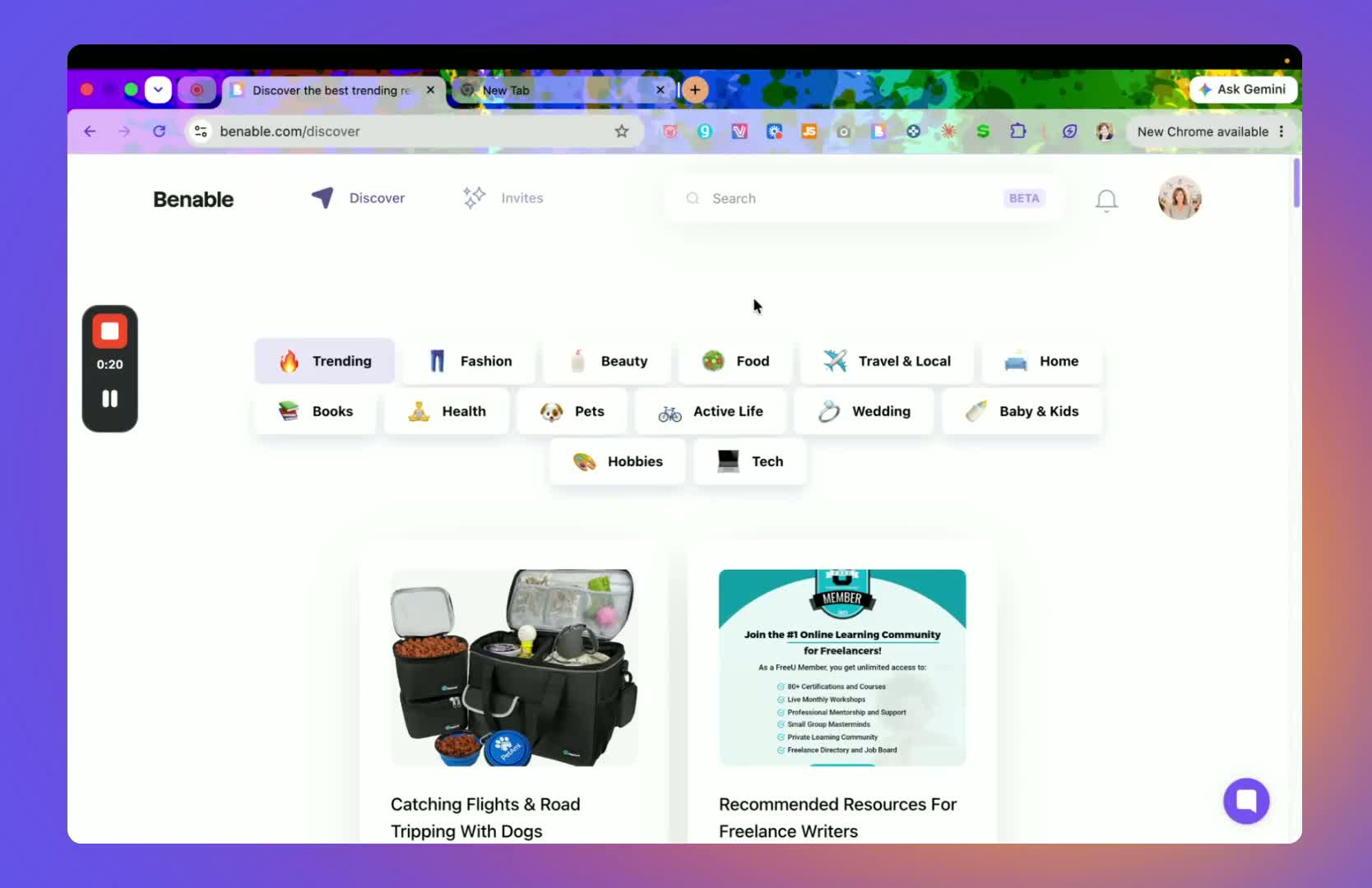
Open Benable and review the available categories to understand how the platform is organized.
Create or update your profile using your brand name or personal name.
Add your social media links and write a short description about yourself.
Make sure your profile looks complete, since this helps support discoverability and credibility.
2. Review optimization requirements before building lists 0:39
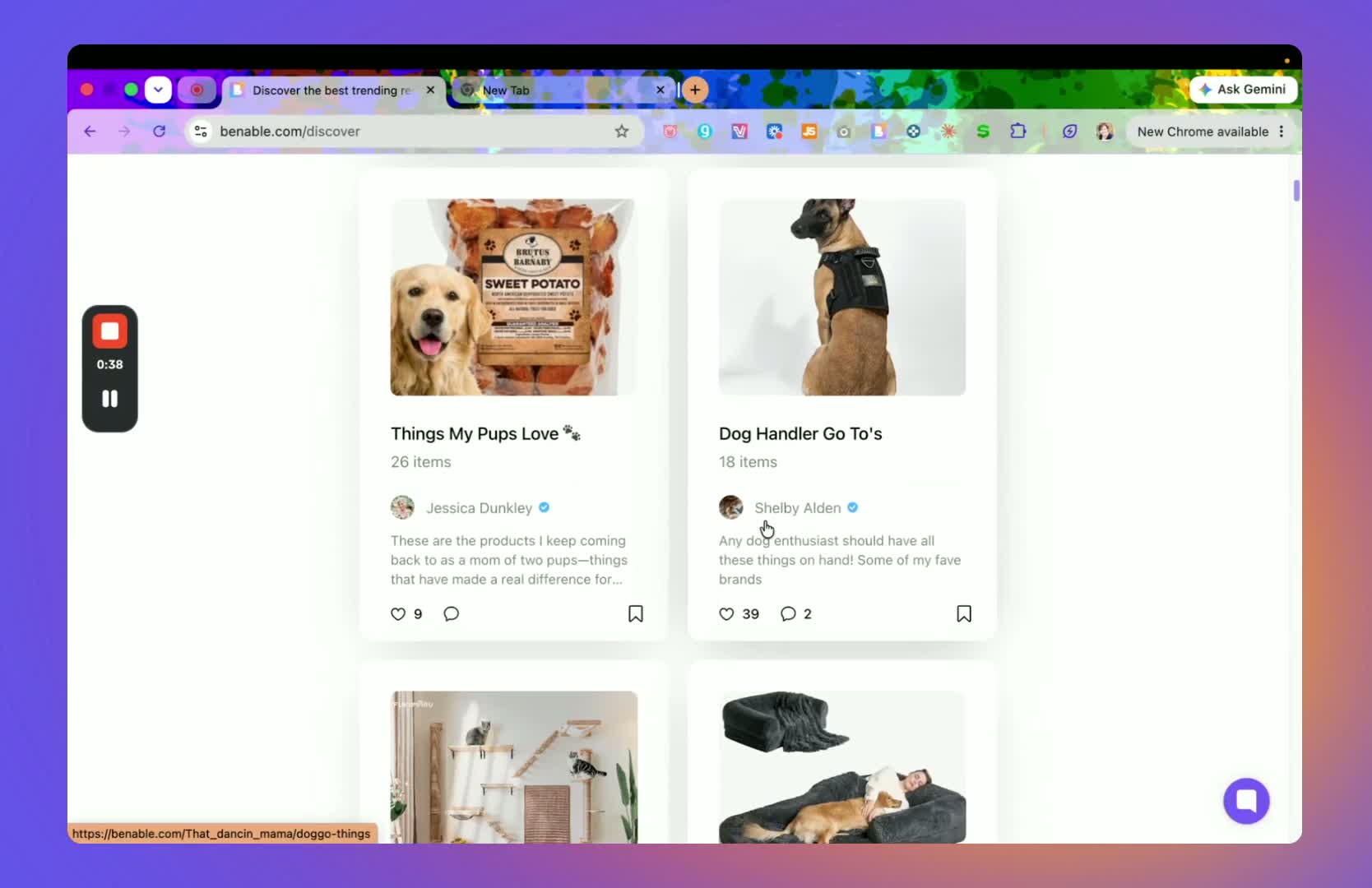
Look at featured creator lists to understand what an optimized list looks like.
Use the optimization goal as your standard: lists should be structured so they can appear on Benable featured pages and in Google search.
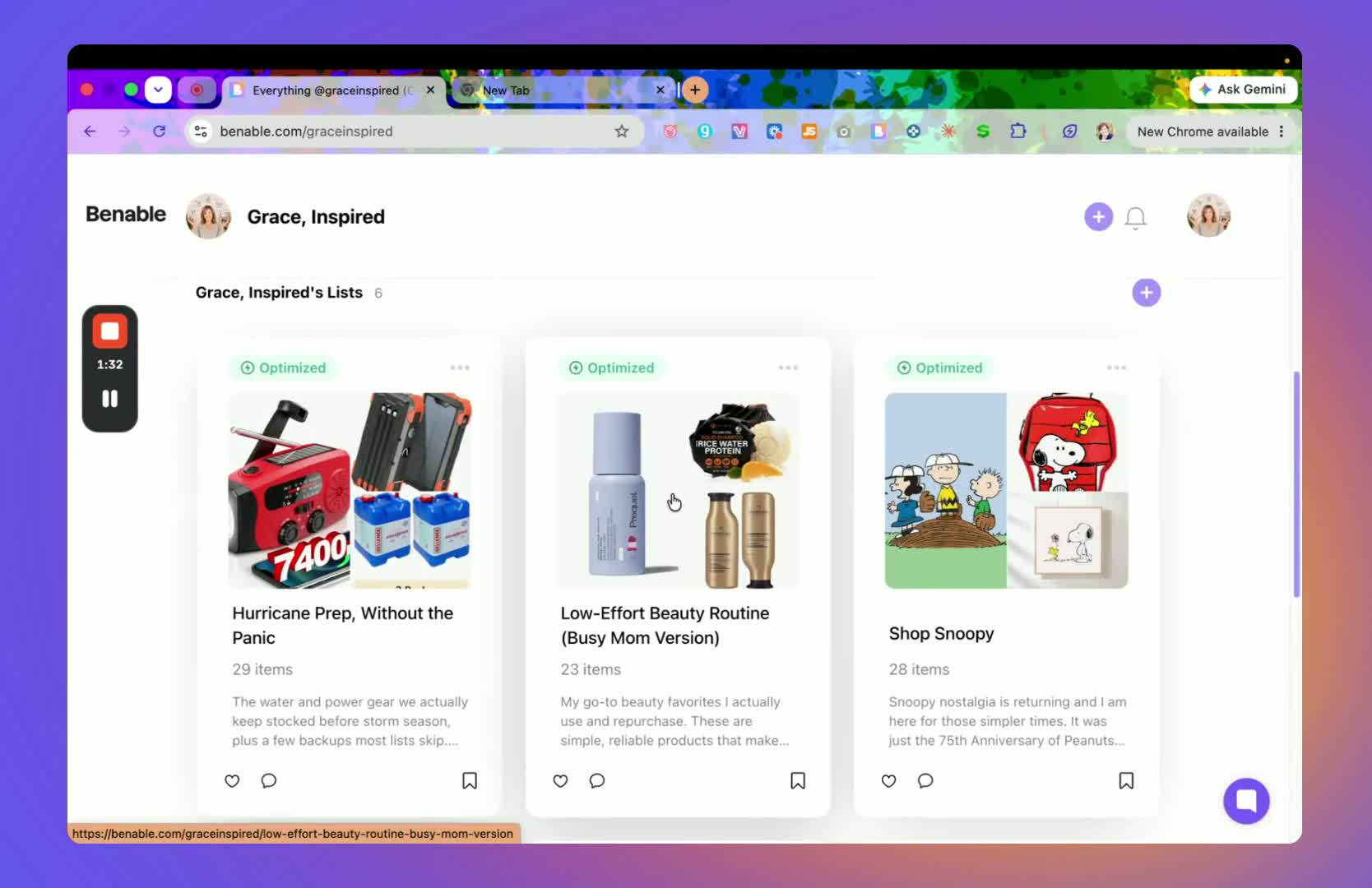
Check whether your existing lists are marked optimized or not optimized.
Use the platform’s optimization feedback to identify what still needs improvement.
3. Create a new list with a clear topic and strong description 1:33
Choose a list topic that is specific and searchable, such as a routine, product category, or use case.
Write a catchy title that clearly tells the viewer what the list is about.
Add a description that explains the purpose of the list and who it is for.
Write in a natural, conversational tone so the list feels helpful and approachable.
4. Organize the list into sections when needed 1:54
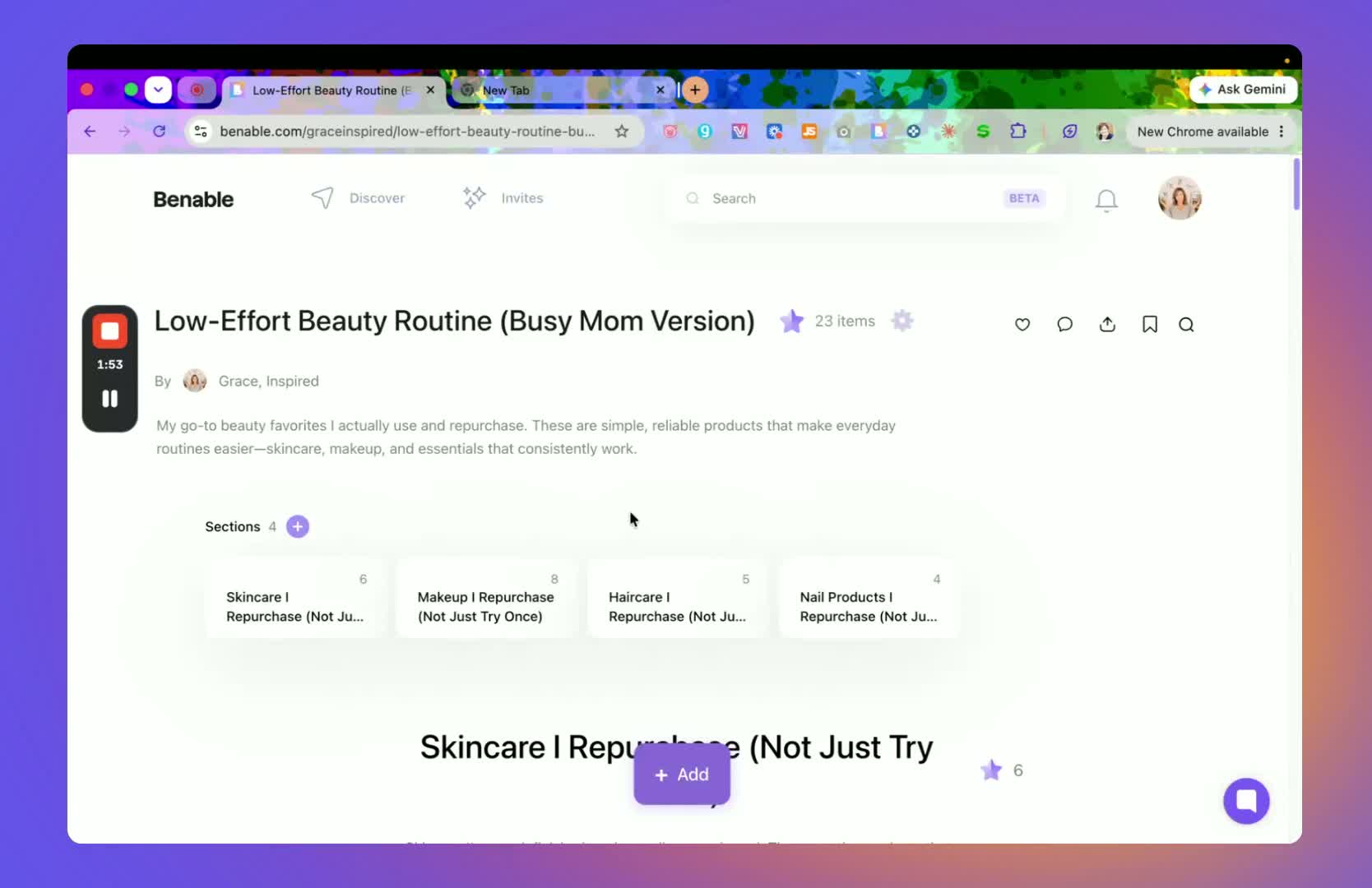
Break the list into sections if it will help users scan the content more easily.
Use the plus button to add sections inside the list.
Give each section a clear title and a short description.
Example section structure: skincare, hair care, travel items, or product categories you repurchase.
5. Add products using store links or product collections 2:20
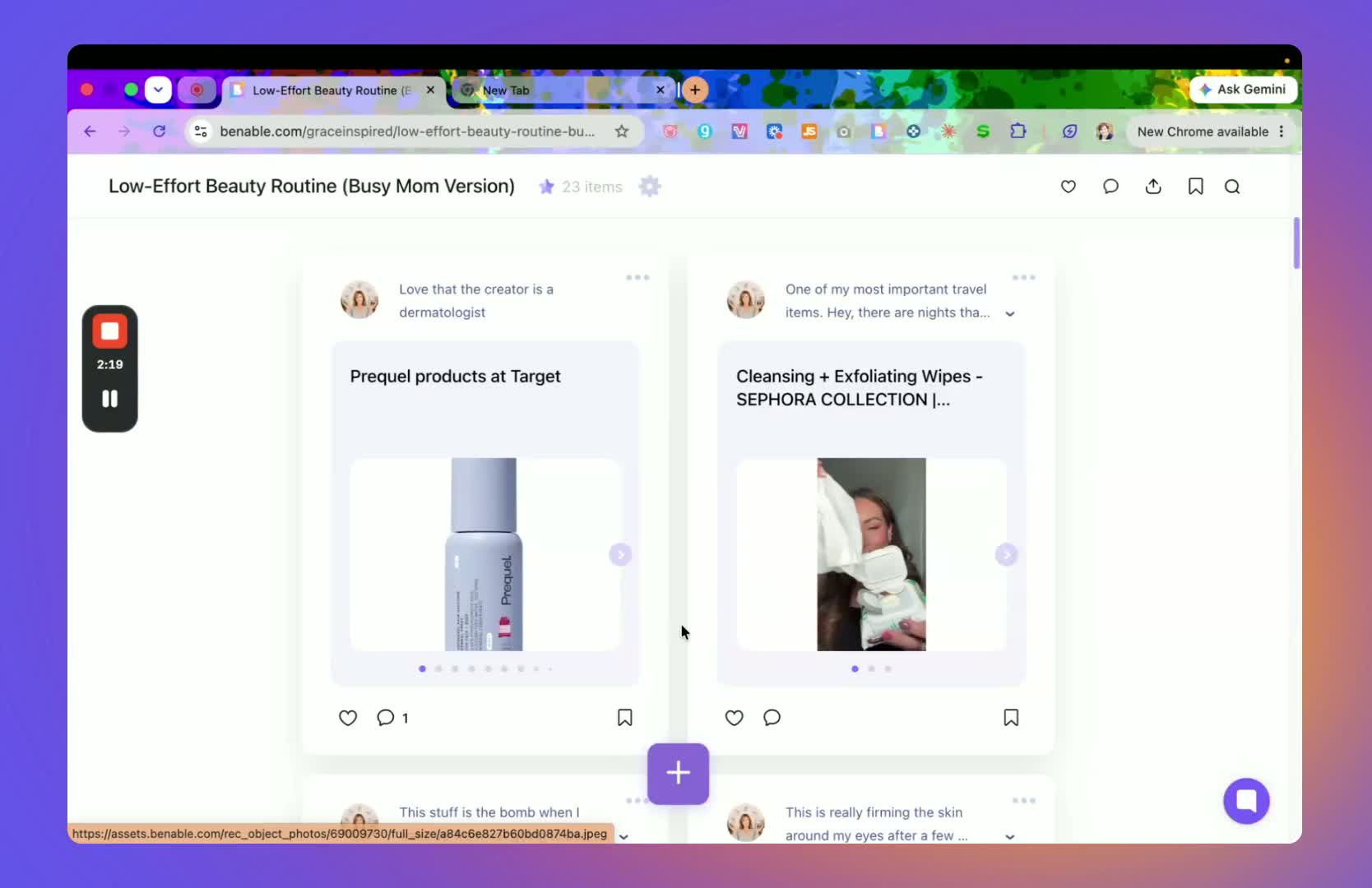
Identify products from supported brands and retailers such as Target, Sephora, Ulta, or official brand sites.
Add a product by pasting a store link or by linking to a collection of products from that retailer.
Confirm that the link opens correctly and displays the intended products.
Use this method when you want to feature multiple items from the same store or brand.
6. Use the Benable browser extension to add affiliate links 2:56
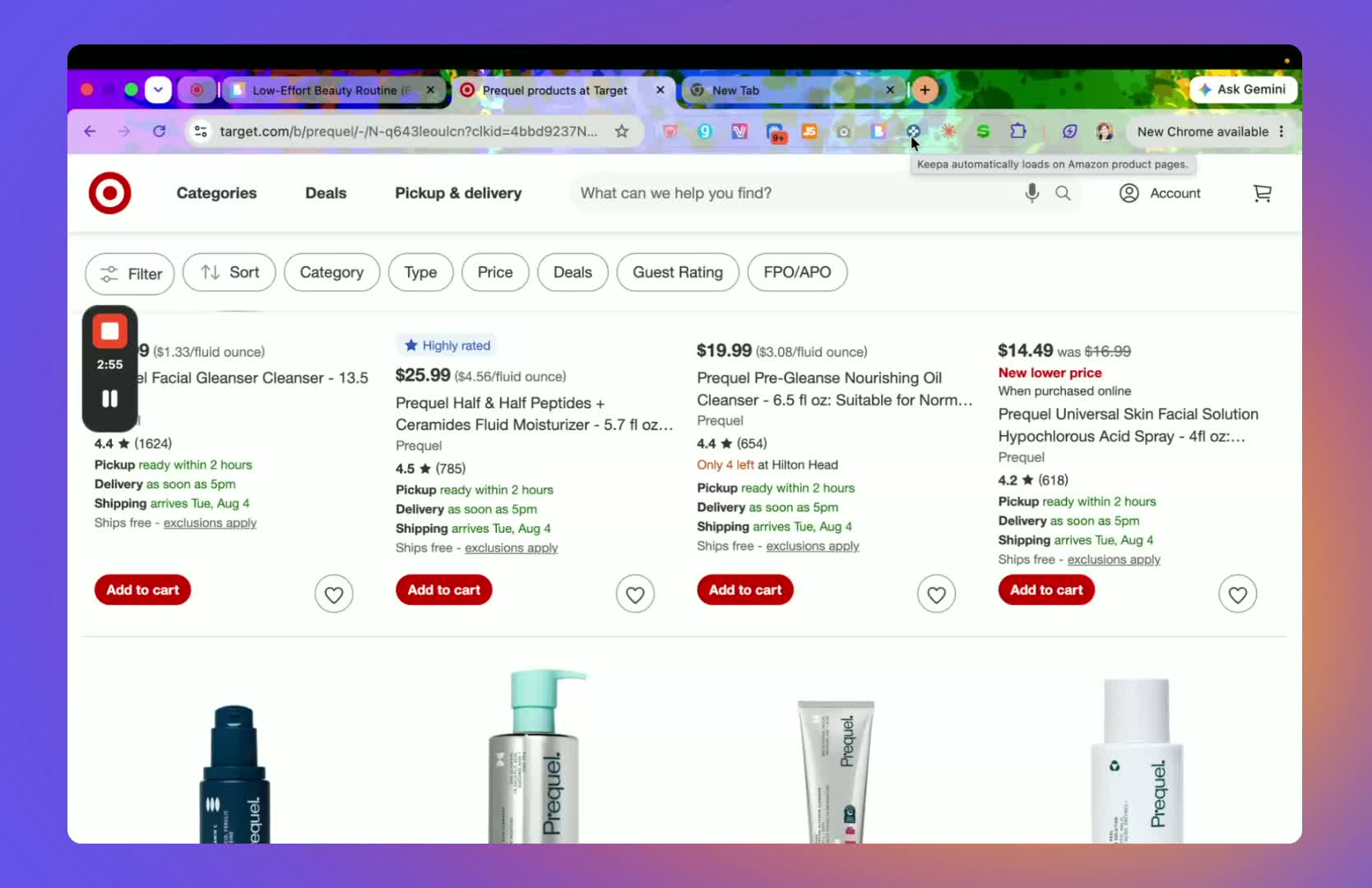
Open the product or store page you want to add.
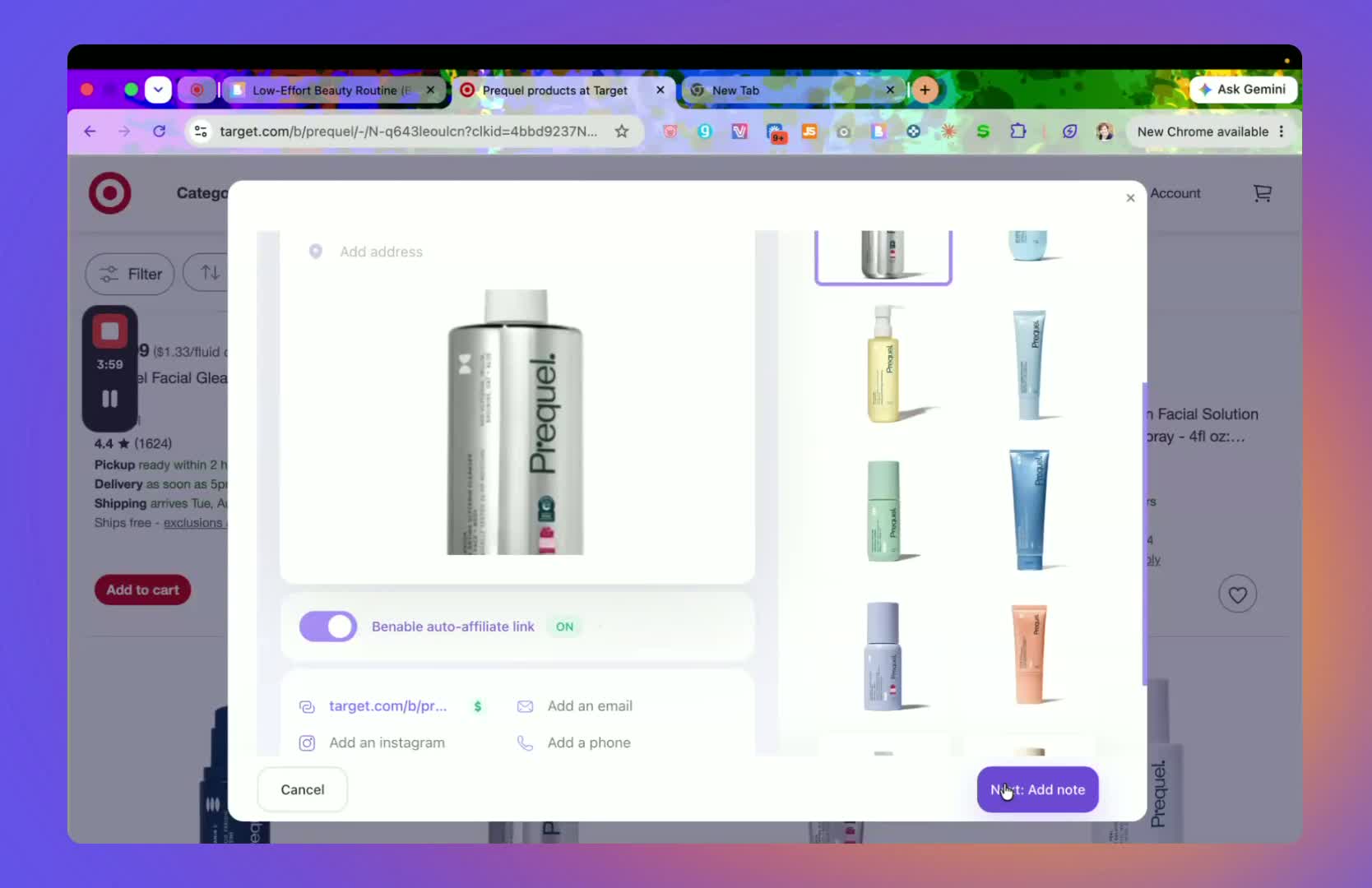
Click the Benable browser extension to generate the affiliate link.
Review the suggested title and edit it if needed.
Select the product image(s) you want displayed.
Click Next, add a note, and then click Done to place the item on the list.
7. Choose the best image layout for front-page visibility 3:29
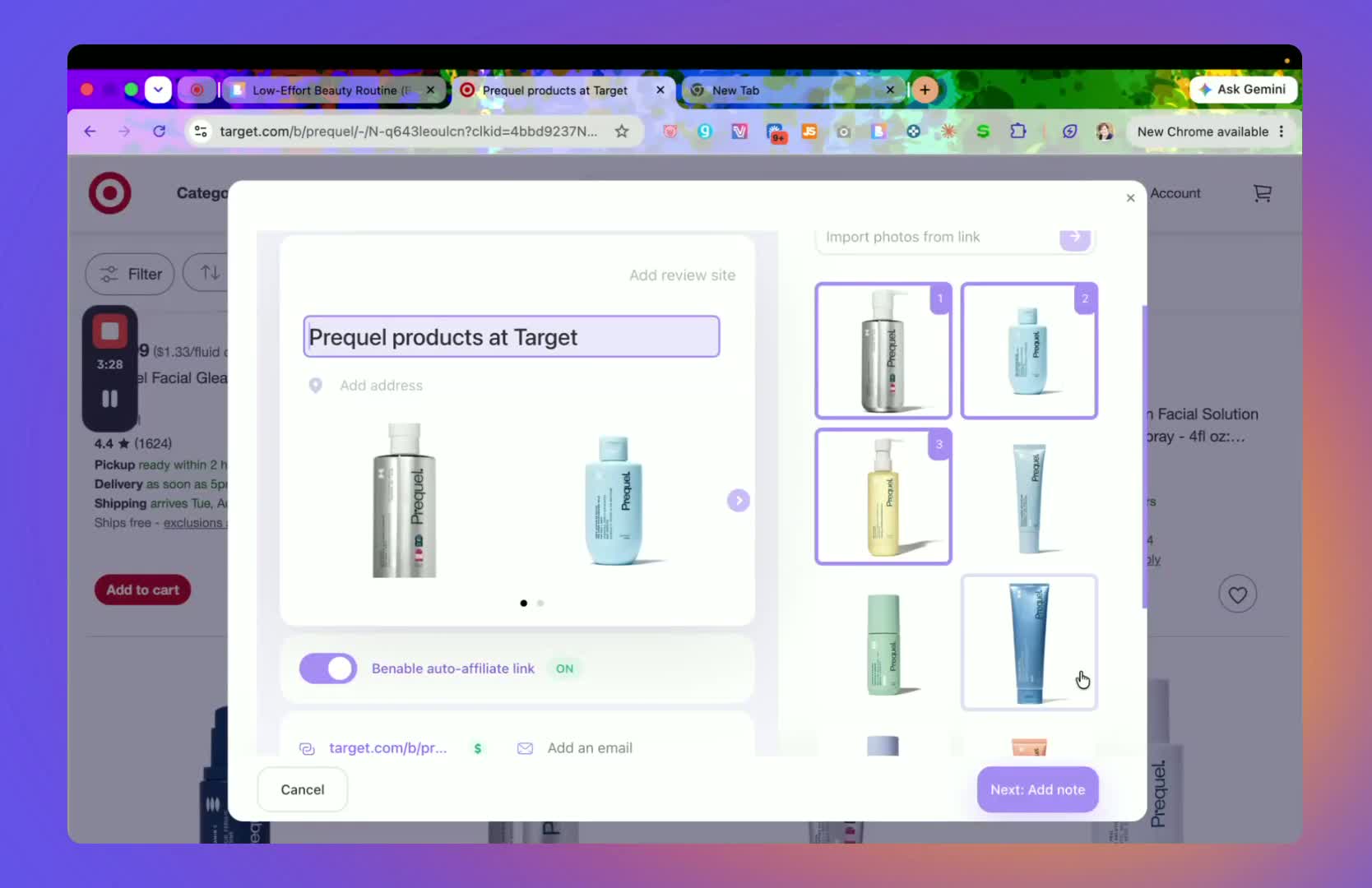
When selecting images, consider how the item will look if featured on the Benable front page.
Prefer a single product image when possible, since it tends to look cleaner and more polished.
If multiple images are available, choose the one that best represents the product.
Use the image selection step to improve the visual appeal of the list.
8. Verify whether the store supports auto-affiliate linking 3:45
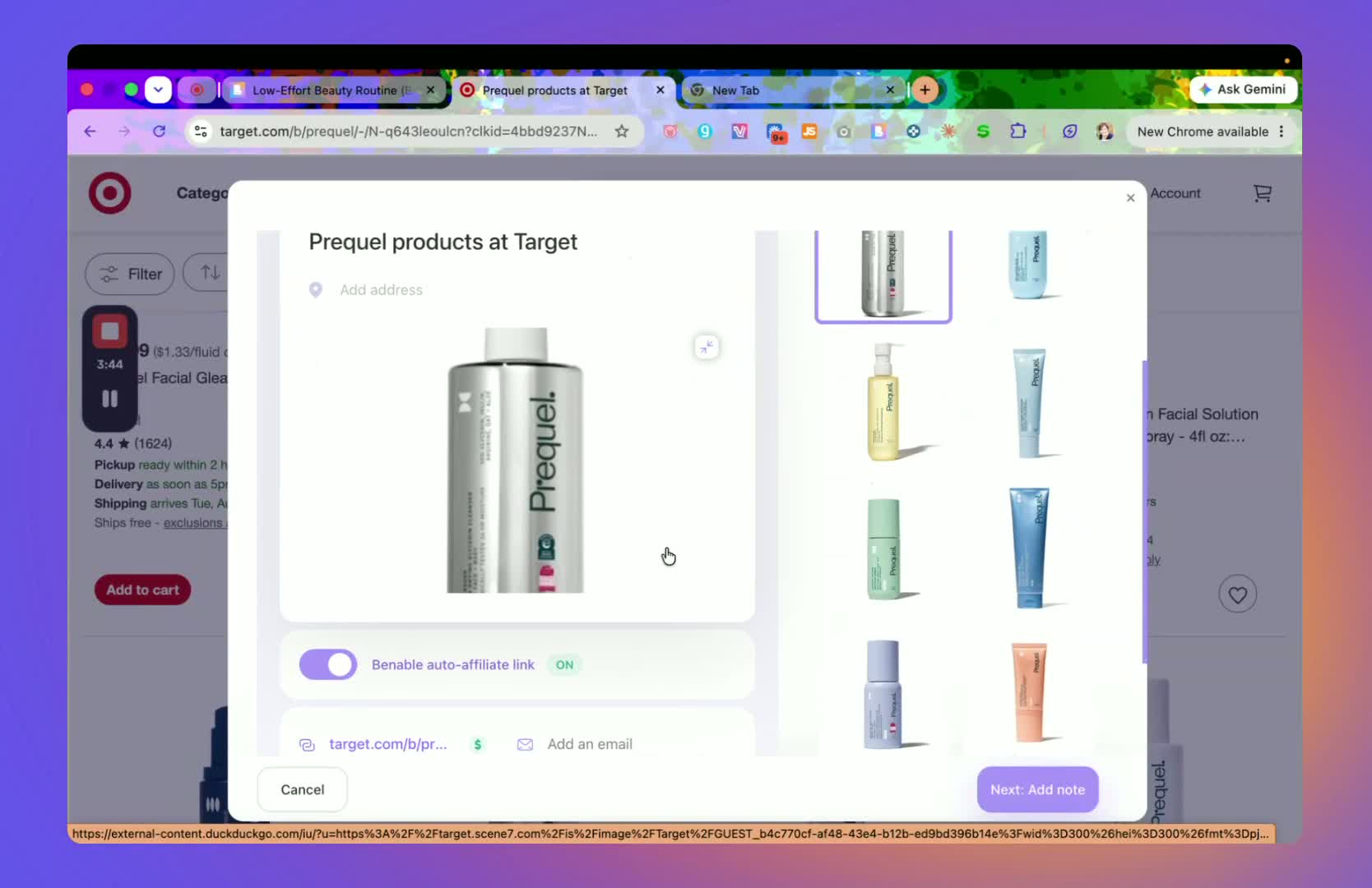
Check whether Benable automatically generates an affiliate link for the store.
If a store does not support auto-affiliate linking, decide whether it is still worth using for your list.
Build lists around stores that are supported whenever possible to reduce manual work.
Confirm the link type before investing time in a full list.
9. Write helpful notes for each product 4:00
Add a short note explaining why you like the product and how you use it.
Write the note as if you are talking to a friend.
Keep the note practical and specific so it adds value to the list.
Even a short note is better than leaving the item without context.
10. Mix and match stores across one list when appropriate 5:00
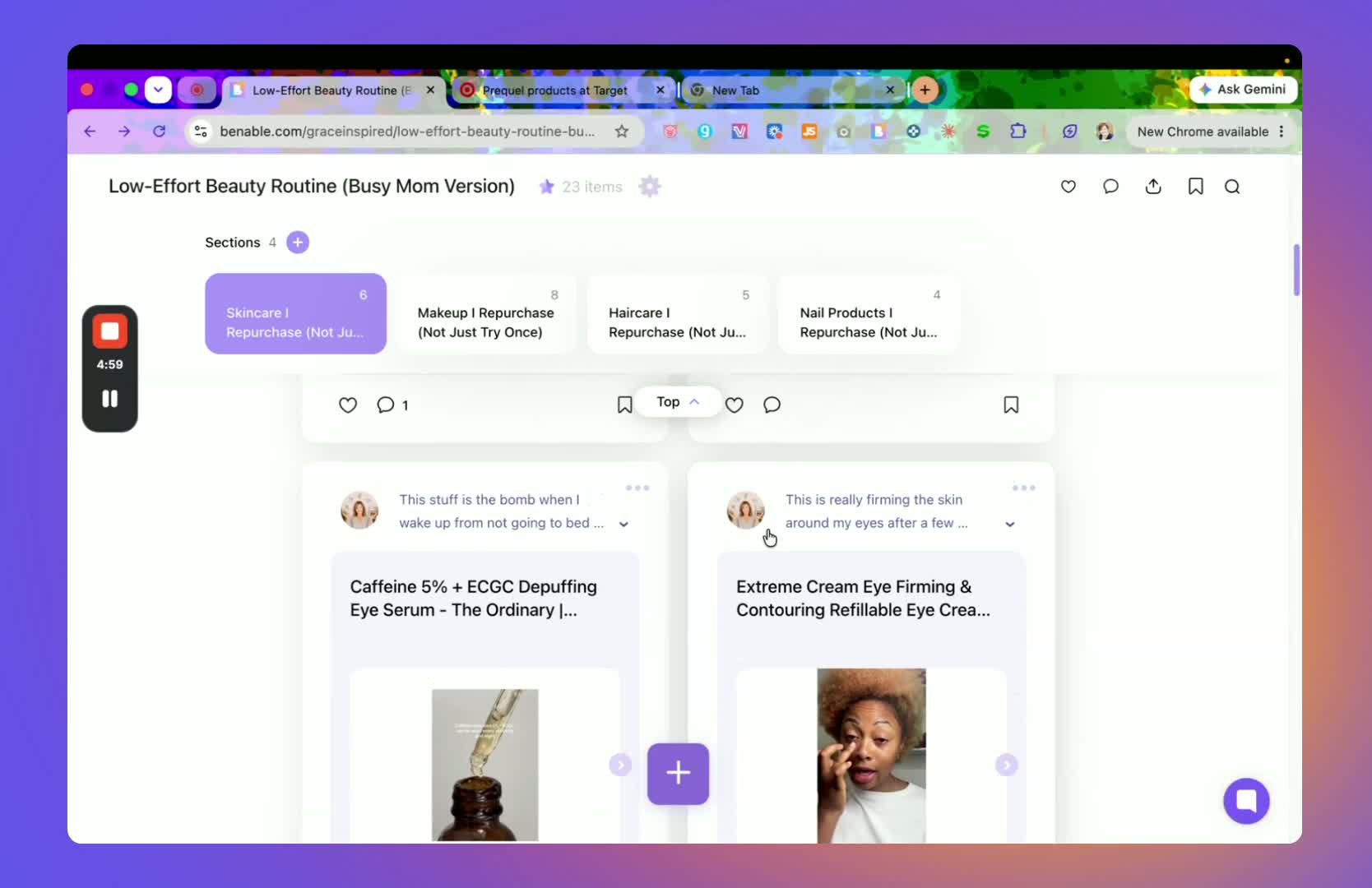
Combine products from different retailers if they fit the same theme.
You can create a list with items from Sephora, Target, Walmart, Ulta, and official brand sites.
Use this flexibility to build a more complete recommendation list.
Keep the list organized so the mixed stores still feel cohesive.
11. Rearrange items and sections by drag-and-drop 5:50
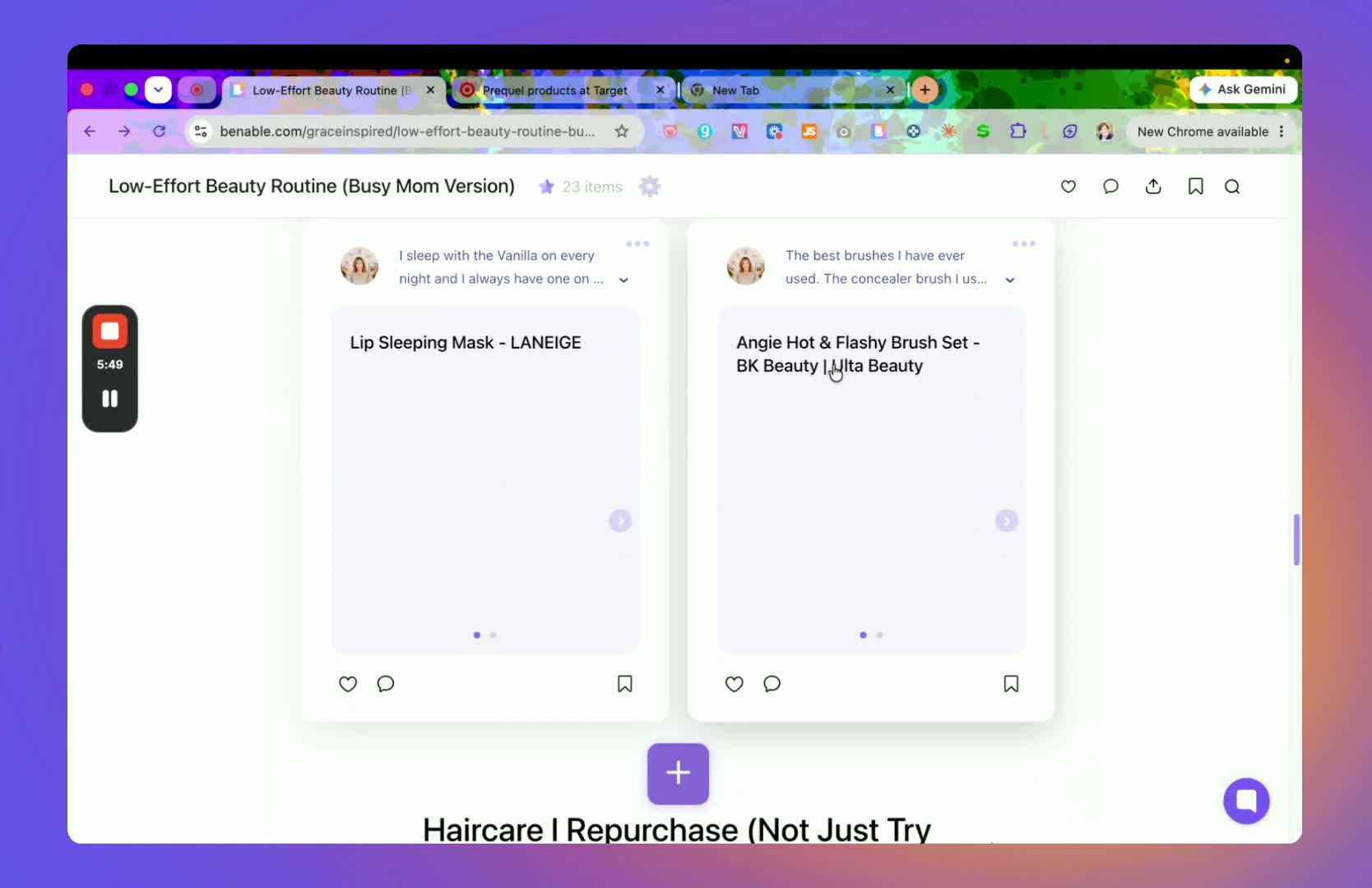
Review the order of items after adding them.
Drag and drop products to move them into a different section or reorder them within the list.
Use this feature to keep the list logical and easy to browse.
Reorganize items whenever a better grouping becomes clear.
12. Publish the list and review optimization status 6:30
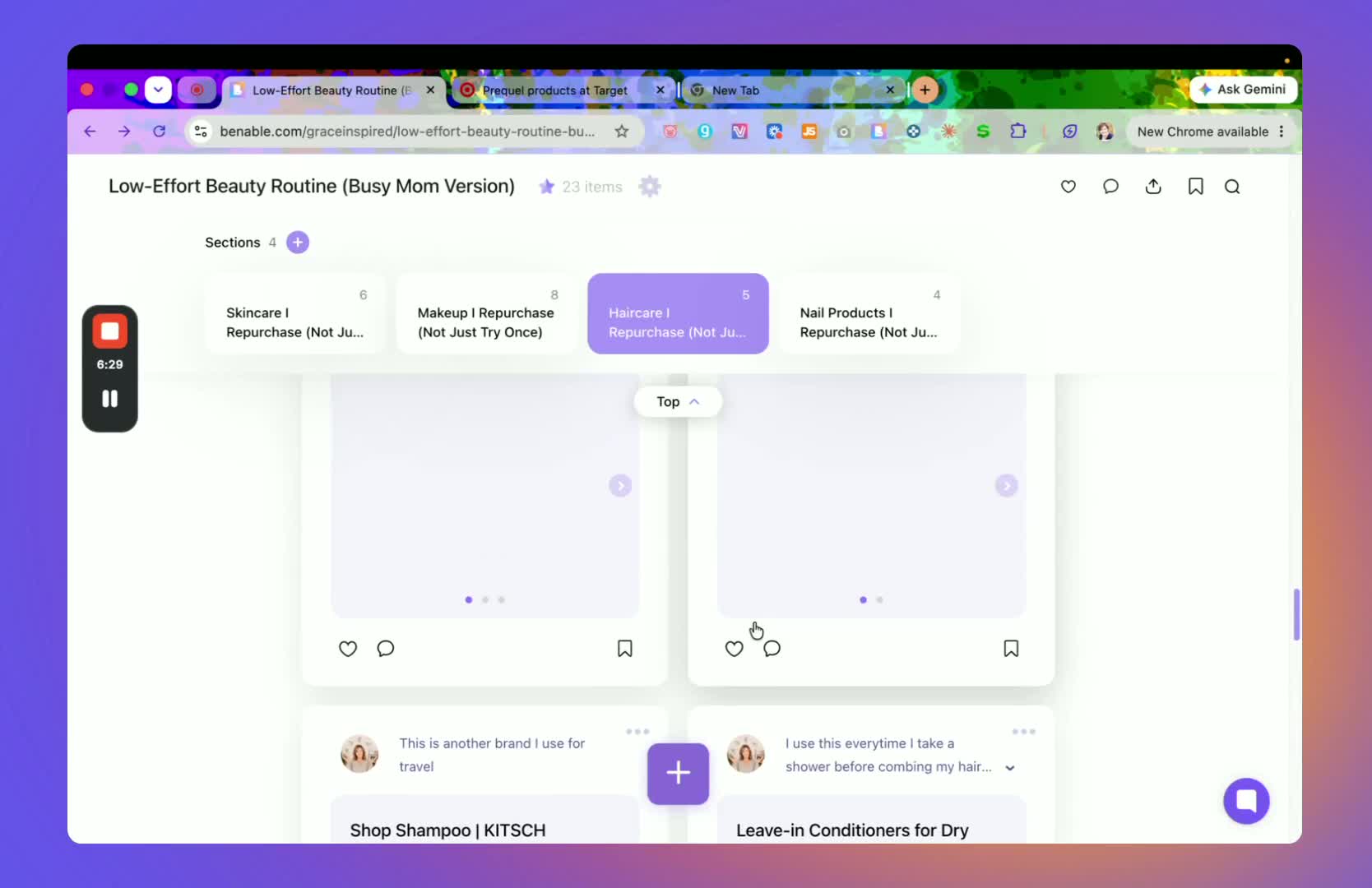
Once the list is complete, publish it.
Check the optimization status after publishing.
Review any feedback Benable provides about what is still needed for optimization.
Update the list until it is marked optimized.
13. Monitor performance and sales activity 6:57
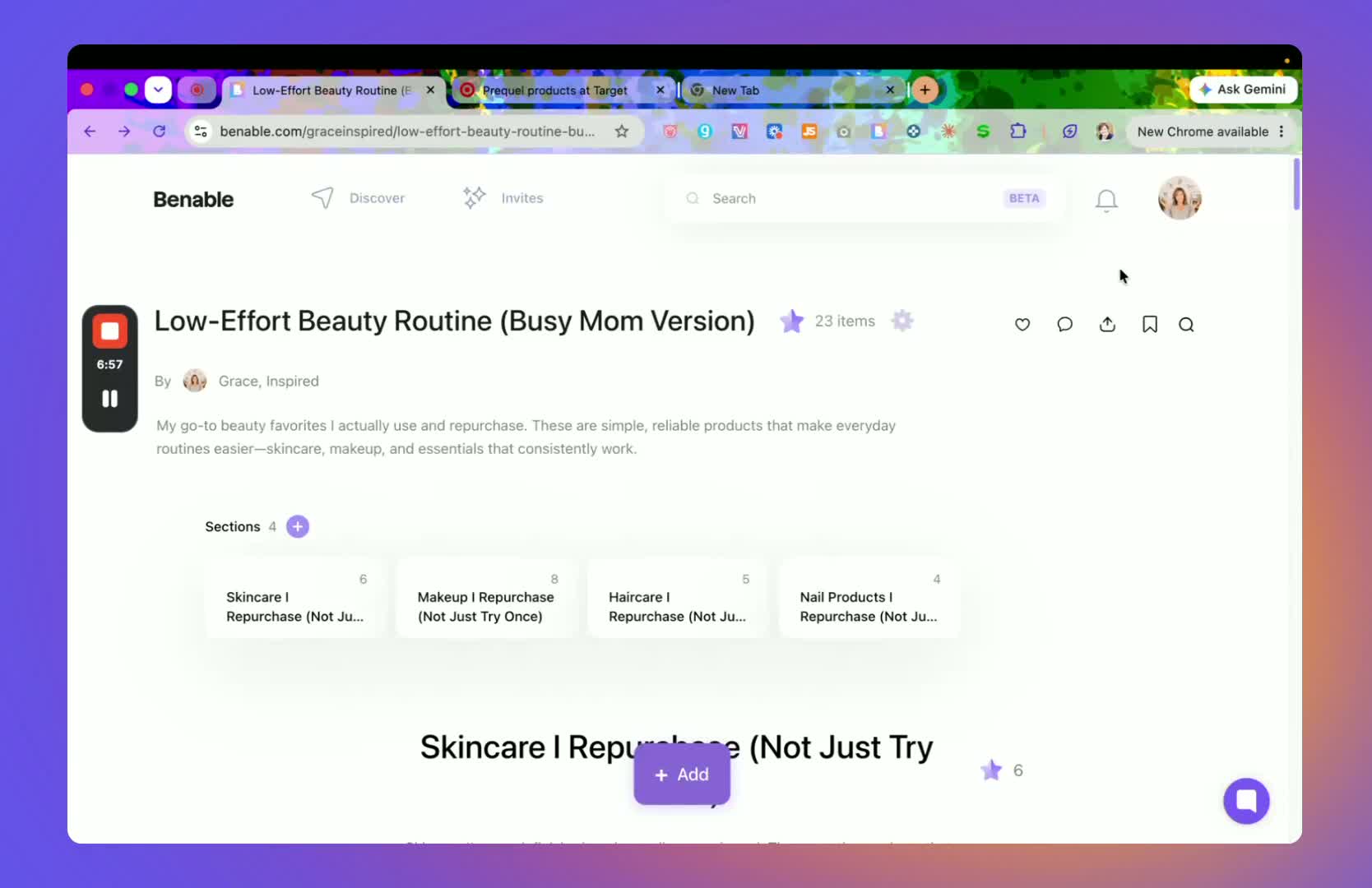
Watch for notifications that indicate someone bought a product from your list.
Use these alerts to confirm that the list is generating activity.
Track which products and stores perform best so you can create similar lists in the future.
Treat the platform as a low-effort off-site presence that can continue working over time.
14. Maintain and improve your Benable strategy 7:23
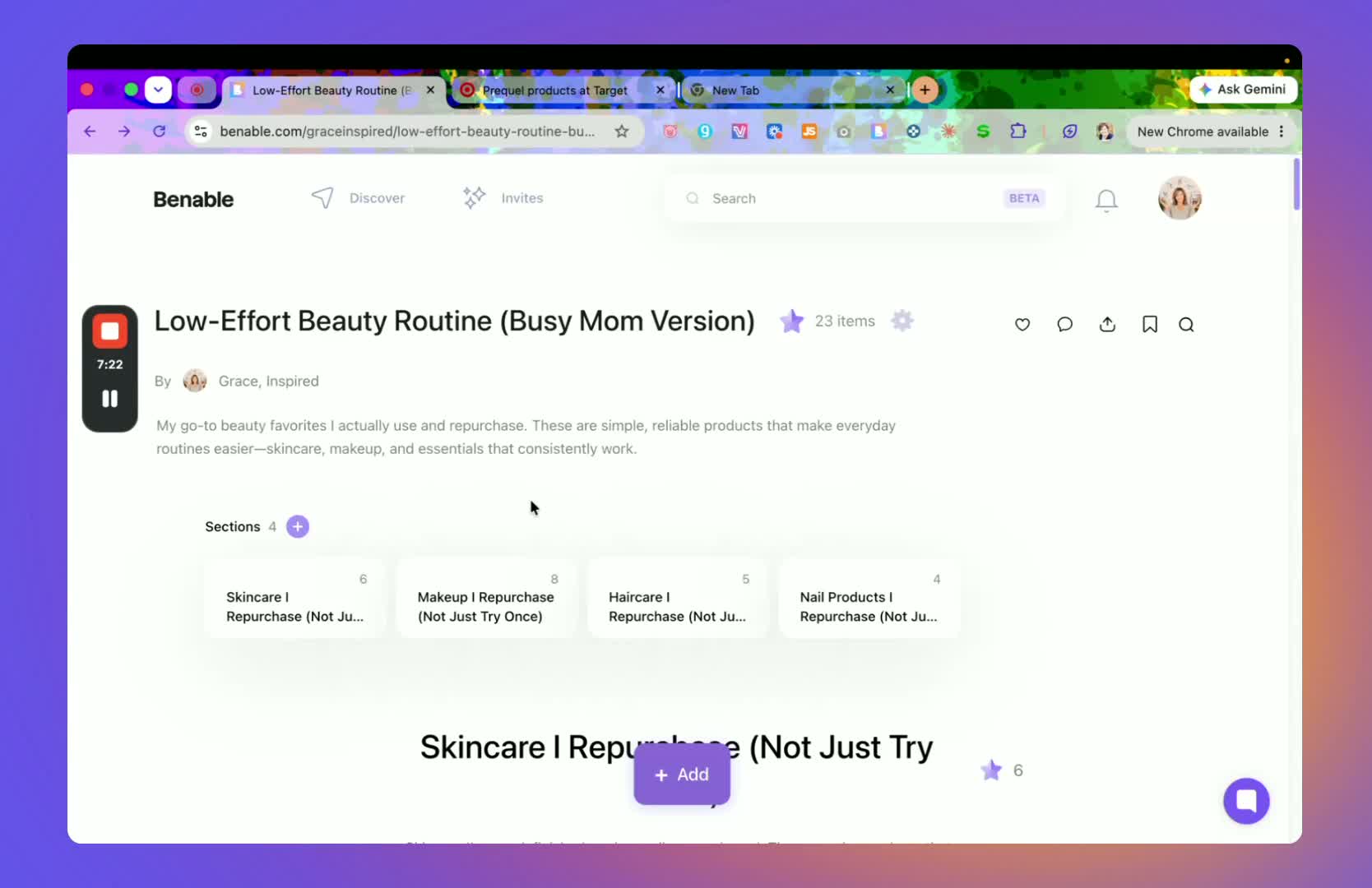
Confirm any affiliate-link details you need to disclose or understand.
Continue building new lists during low-effort time, such as while watching TV.
Revisit older lists to improve descriptions, images, and optimization status as needed.
What should I watch out for when building Benable lists?
Do not assume every store will support Benable auto-affiliate links; verify before building a list around it.
Avoid leaving lists without descriptions or notes, since search visibility and optimization depend on useful context.
Be careful not to overload the front page view with too many images if a cleaner single-image layout will perform better.
This is not the best strategy for Amazon links. Many of the stores here leave a 30 day “cookie” for anyone that browses your list which is a much longer time period.
How can I build Benable lists faster?
Use Claude or another writing tool to suggest draft descriptions faster.
Build lists during downtime, since the process is low effort and can be done in short sessions.
Start with stores and products that already support auto-affiliate linking to save time.
Reuse a consistent list structure: title, description, sections, products, notes.
Focus on one strong list at a time, then replicate the format for future lists.
Keep product notes short, conversational, and specific to reduce writing time while still adding value.
Frequently Asked Questions
How do I set up a Benable profile?
Create or update your profile using your brand name or personal name. Add your social media links and write a short description about yourself.
Which stores can I add to a Benable list?
Identify products from supported brands and retailers such as Target, Sephora, Ulta, or official brand sites. You can create a list with items from Sephora, Target, Walmart, Ulta, and official brand sites.
How do I get a Benable list marked as optimized?
Once the list is complete, publish it. Check the optimization status after publishing. Review any feedback Benable provides about what is still needed for optimization.
Is Benable a good choice for Amazon links?
This is not the best strategy for Amazon links. Many of the stores here leave a 30 day “cookie” for anyone that browses your list which is a much longer time period.
Struggling with trying to figure out the Amazon Influencer Program? After reading this guide, you'll know what to film next and have a manageable plan for getting to your first 100 videos.
About Barb | Founder of Storefront Launch
Barb was working with brands before “content creator” was a job title.
Back in 2008, she helped develop branded Twitter parties: live, hashtag-based conversations that brought companies and consumers together. She helped turn those conversations into something brands could buy, then spent years pitching campaigns, recruiting paid bloggers, organizing events, and teaching other women how to use social media for business.
She was part of the original wave of “mommy bloggers” (because apparently women building successful online businesses needed a cute little nickname). Her work included brand ambassador roles with Disney, Kraft, Verizon, and GMC.
Today, Barb brings that experience—and a master’s degree in education—to Storefront Launch. She helps women make sense of Amazon Influencer, Walmart Creator, and affiliate marketing, with practical ways to earn from the content they’re already creating. Less hype. More “okay, here’s how you actually do it.” Because, to loosely quote Lin-Manuel Miranda, she was “in the room where it happen(ed).”